Azure tech-specific script execution
2 minute read
Tech-specific script execution lets Cloud Management Platform (CMP) run remote scripts on an Azure VM it cannot reach directly over SSH or WinRM. CMP uses the Azure Run Command feature, so Azure delivers the script to the VM and reports the result back.
Prerequisites
- An Azure resource handler with an environment.
- An Azure account with the VMs you intend to run scripts on.
Azure imposes its own limits on what Run Command can do. See the Microsoft documentation for running PowerShell scripts on a Windows VM and shell scripts on a Linux VM, particularly the listed restrictions.
Add the parameter to a group or environment
-
Open the group or environment associated with the Azure resource handler.
-
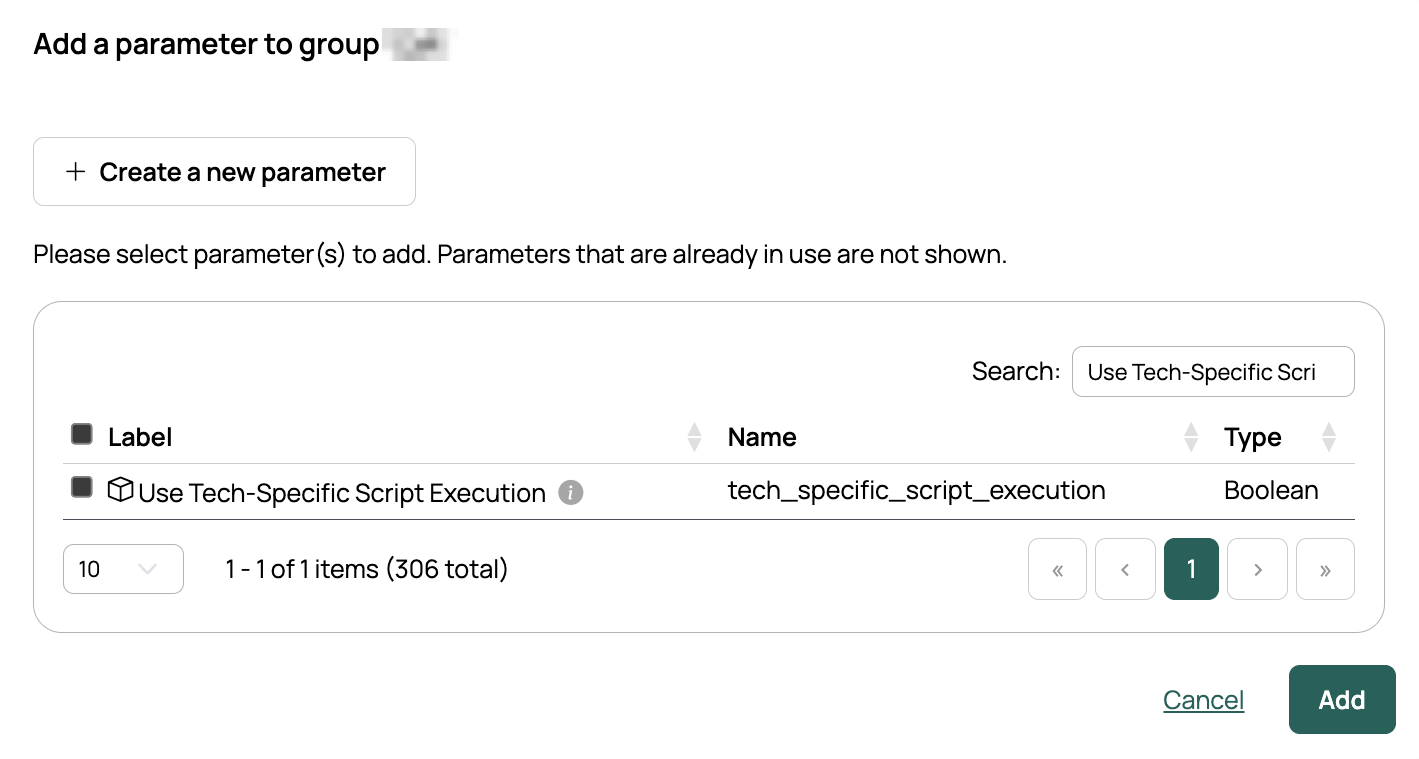
On the Parameters tab, select Add.
-
Find Use Tech-Specific Script Execution and add it.
-
Select the parameter you just added.
-
Check that Show on Objects and Available to all servers are enabled.
You can add the parameter to individual servers, but you must follow these steps to enable it for remote scripts.
Add the parameter to a blueprint
This step is optional. As long as the parameter is available to the group or environment, it appears on the order form without being set on the blueprint.
- Open Catalog and select the blueprint.
- Open the Parameters tab.
- Add Use Tech-Specific Script Execution.
Provision and test
- Provision a server from a blueprint, and select Use Tech-Specific Script Execution on the order form. The parameter appears on the order form as long as it is available to the group or environment.
- On the provisioned server, run an ad hoc script.
The script should run without asking for a username and password. When tech-specific execution is correctly enabled, the username and password fields do not appear on the ad hoc script form at all, which is the quickest way to confirm it is working.
For Linux shell scripts, both stdout and stderr appear in the output.
Related
- Configure remote script method: how the parameter and global setting interact.
- Azure: setting up the resource handler.