Order blueprints
End users order blueprints from the Catalog, where they see only the blueprints they have permission to order
2 minute read
Published to the Catalog, blueprints make provisioning, orchestration, and lifecycle management in Cloud Management Platform repeatable, automated, and easy to control.
A blueprint defines the build process, discovery/sync logic, management actions, and teardown process for a resource. A blueprint can also be configured not to create a resource when ordered, in which case it only defines the servers to build and the actions to run. See Blueprints that do not create resources.
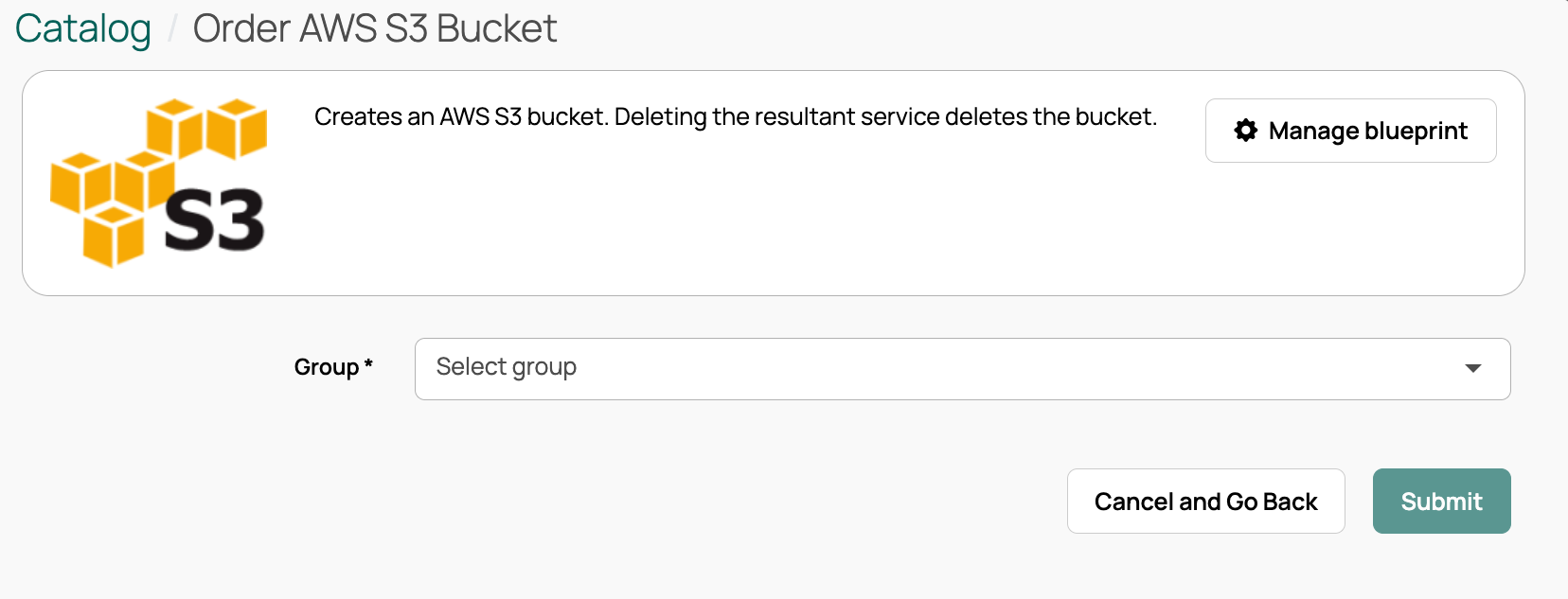
Open a blueprint by selecting its tile in the Catalog.
 (opens full-size image in a new tab)
When a resource is ordered, build items can create server tiers, run remote scripts on servers, deploy a pod of containers, make networking changes (such as creating a virtual network or load balancer), email users, connect to external systems, run plugins, and deploy sub-blueprints that create any type of resource (or none). A resource can also be created through discovery.
After a resource is deployed, users can run resource actions to manage it. These are defined either on the blueprint’s Management tab (blueprint-specific) or under Admin > Resource Actions (general-purpose).
When a resource is deleted, actions defined on the blueprint’s Teardown tab can clean up external resources, remove DNS entries, and perform other cleanup tasks.
Managers can duplicate a blueprint to create similar versions, and export and import blueprints for version control or to share between development and production environments.
End users order blueprints from the Catalog, where they see only the blueprints they have permission to order
Configure how blueprints build and deploy servers and resources
Tailor the blueprint order form with parameters, sizing options, and ordering for others
Control who can order blueprints, and export blueprints for sharing