Maintenance modes
2 minute read
Cloud Management Platform (CMP) supports two maintenance modes:
- Admin-only: Only CMP admins can use the CMP UI and API
- Full: No one can use the CMP UI and API, and jobs cannot run
Admin-only maintenance mode
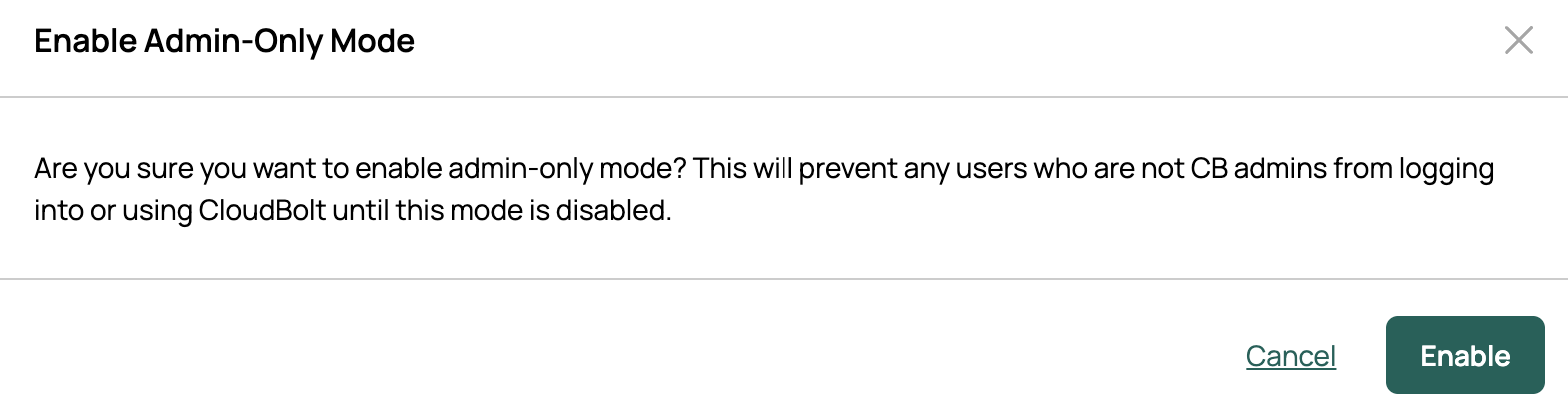
When Admin-only mode is enabled, all non-admin CMP users are logged out, and a message displays on all pages. Jobs are uninterrupted.
Non-admins cannot log in while the mode is enabled, including through SSO. The login page tells them that only admins can log in.
Enable admin-only maintenance mode
-
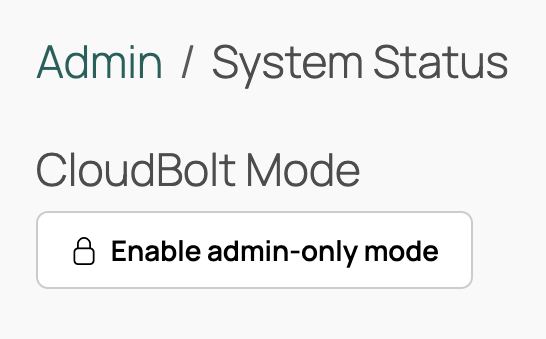
Go to Admin > System Status.
-
Select Enable admin-only mode.
-
Select Enable.
Disable admin-only maintenance mode
- Go to Admin > System Status.
- Select Disable admin-only mode.
- Select Disable.
Full maintenance mode
Full maintenance mode is enabled automatically by the CMP upgrader.
When full maintenance mode is enabled on a CMP instance:
- CMP UI users are redirected to a maintenance page
- The job engine will complete running jobs, but not pick up new jobs, and will not restart once stopped
In a multi-server setup, full maintenance mode must be enabled on each server for all servers to enter it.
Enable and disable full maintenance mode
-
As root, run the script
/opt/cloudbolt/utilities/maintenance_mode.pyon a CMP instance.Use the “-h” option for detailed usage information.