Content Library
3 minute read
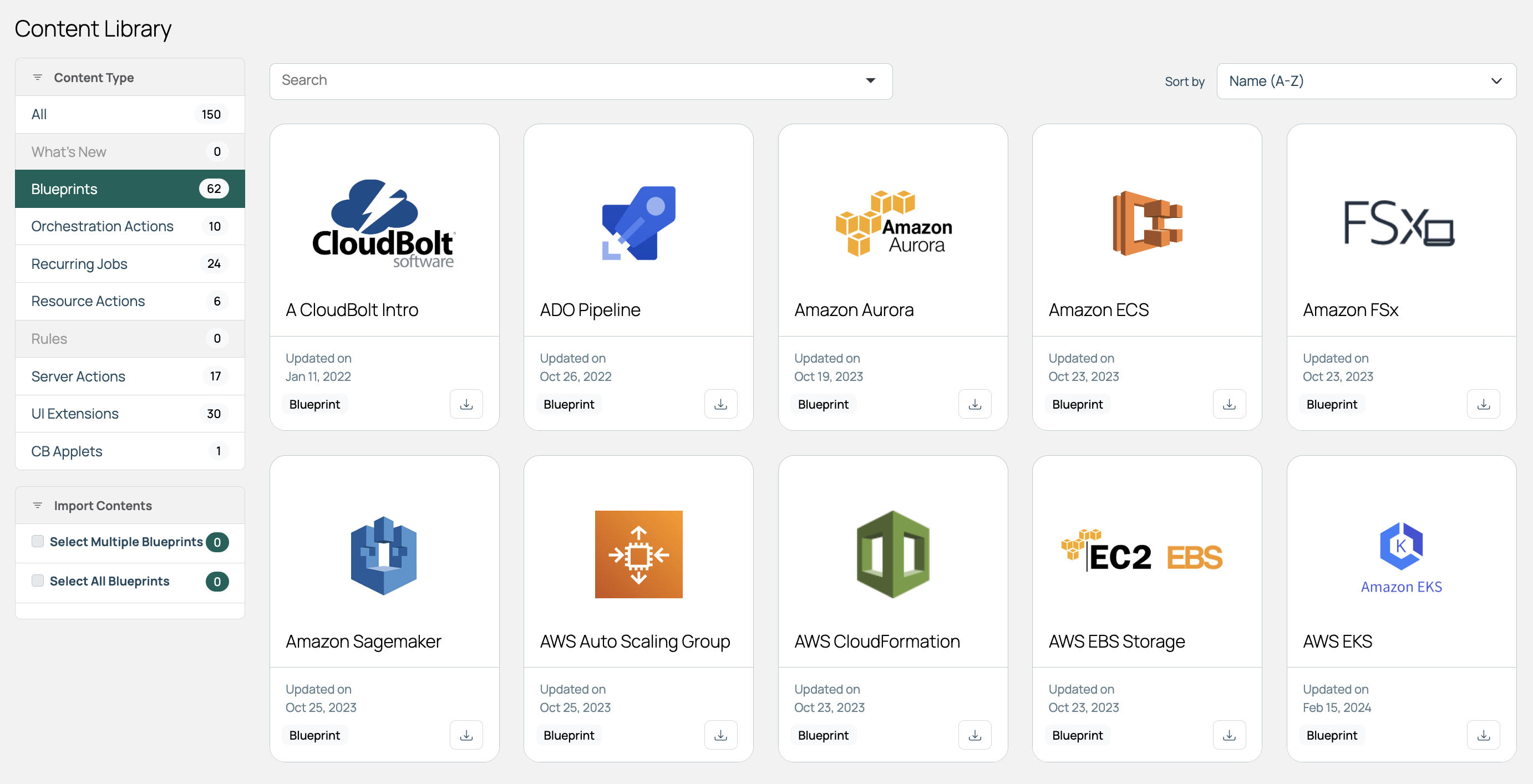
The Content Library is a catalog of content that CloudBolt builds and maintains. Importing an item copies it into your instance, where you can modify it to suit your requirements. CloudBolt updates the published content periodically, and the Library is refreshed on a schedule to pull the latest updates.
Import content
The steps are the same, regardless of content type.
-
In CMP, select Library in the main menu.
-
Select the download icon on the item you want to import.
-
Review the details, then select Import.
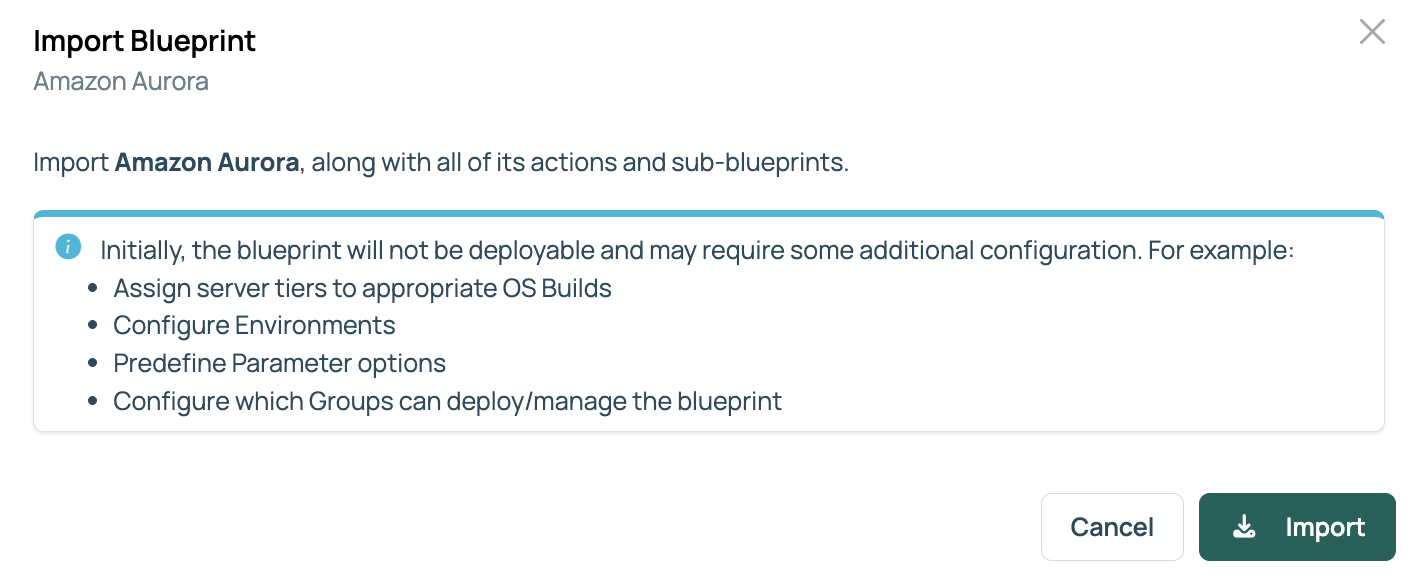
The imported content opens ready to configure. Most content needs some configuration before it is useful: constraining it by group, environment, or technology; setting default values; and editing the action code.
If a UI extension or CB Applet package with the same name already exists, importing it replaces it. This cannot be undone.
What you can import
| Content type | What it gives you |
|---|---|
| Blueprints | Orderable items that land in your Catalog. A blueprint is imported along with all its actions and sub-blueprints, and may not be deployable straight away: server tiers may need an OS build, environments may need configuration, and you may want to predefine parameter options. |
| UI extensions | New pages and tabs that extend what CMP ships with, bringing their own views and templates. An extension that adds its own URL paths needs a web server restart after import before those paths work; CMP marks those with an exclamation icon in the extension list. Examples include Veeam backups, scheduled snapshots, and support for Tintri storage arrays. |
| CB Applets | Self-contained bundles of HTML, CSS, and JavaScript that slot into a defined area of an existing page, such as a tab on a resource’s details page. Can be enabled or disabled and restricted to particular groups. |
| Server actions | Actions that appear on a server’s details page. |
| Resource actions | Actions that appear as buttons on a deployed resource’s details page. |
| Orchestration actions | Custom logic hooked into CMP processes at trigger points, for example, during server ordering or provisioning. |
| Recurring jobs | Any job or action set to run on a schedule you define. |
| Rules | Conditional logic that runs periodically and can trigger actions based on the result. |
Refresh the Library listing
CloudBolt updates the published content periodically. Run the caching job to pull the current listing.
- Go to Admin > Recurring Jobs.
- Run the Content Library Caching job.
The Library page reflects the refreshed listing once the job finishes.
Related
- UI extensions: Build and manage your own extensions.
- Recurring jobs: How the caching and other scheduled jobs work.
- Cost and Security Management: A worked example of importing an extension.