Configure the identity provider
2 minute read
Choose your identity provider
Typically, you send your CMP service provider’s metadata to the IdP. Select your identity provider below for its setup steps:
- Microsoft Entra identity provider
- Office 365 identity provider
- Okta identity provider
- OneLogin identity provider
- PingOne for Enterprise identity provider
 (opens full-size image in a new tab)
Required fields
Include the following on your IdP configuration. The IdP can extract some or all of these from the CMP service provider’s metadata:
- Public Key (certificate), if you want communications between CMP and your IdP to be signed.
- Name ID Format, to tell the IdP and CMP what format usernames and IDs must use.
- Required Attributes and the Attribute Name fields, so the IdP sends the right attributes with the field names CMP expects.
For example, if the SSO provider in CMP has these settings:
- Required Attributes:
Email(the username is always required) - Email Attribute Name:
userEmail - Username Attribute Name:
userName
Then the IdP must send a user’s email in a field named userEmail and their username in a field named userName.
Metadata
The CMP service provider needs the identity provider’s metadata.
On the Overview tab for a CMP SSO provider, there are two links:
- The Assertion Consumer Service (ACS) URL (displayed as Single Sign-On URL).
- The service provider’s Metadata URL / Entity ID.
Your IdP may let you enter the metadata URL directly, or you may need to open the metadata URL and copy its contents into a field on your IdP.
Upload and download metadata
Upload IdP metadata XML
Upload the metadata XML collected from your SSO identity provider.
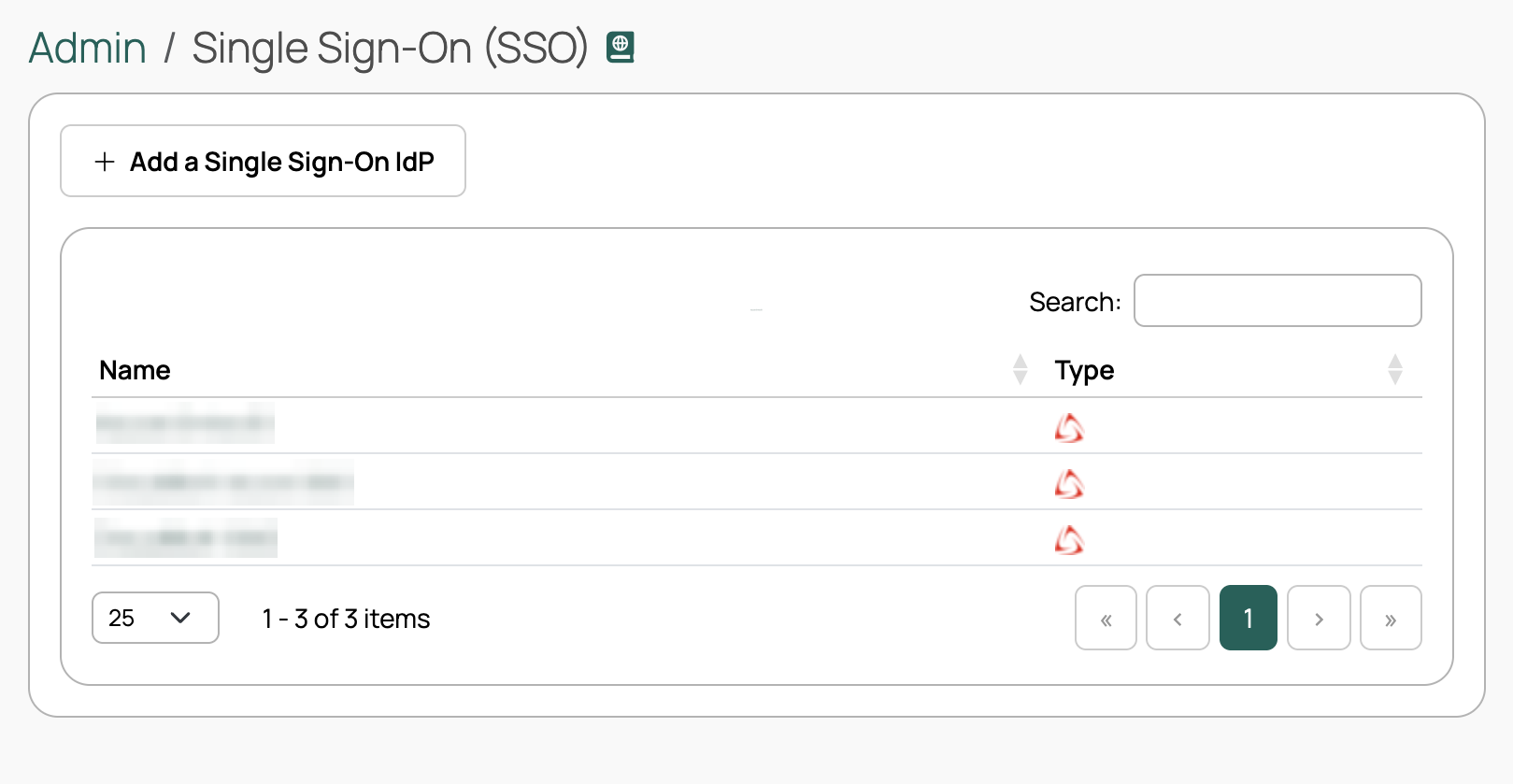
- Go to Admin > Single Sign-On (SSO). On the Single Sign-On (SSO) Providers page, select the Name of the service provider you are configuring.
- Select Upload IdP XML.
- From the Metadata source dropdown, select Metadata URL, Metadata File, or Metadata Text.
- Provide the URL, upload the file, or paste the text, depending on your selection.
- Select Save.
Download metadata
Download a metadata file to provide to your SSO IdP if required. The metadata XML file contains the certificate and some attributes.
- On the Overview tab, select Download Metadata XML to save an XML file with the metadata for this provider.
Certificates
For many service providers, the certificate is included in the metadata file.
If your IdP does not allow uploading metadata (which contains the certificate), select Certificates to upload it.