Action context
The Cloud Management Platform (CMP) objects an action can reach while it runs
An action is executable code in the form of a CMP plugin, a remote script, a file copy, a webhook, an email hook, or a flow in an external orchestrator. The same action can be reused in several contexts: attached to a trigger point, offered as a button on a server or a resource, or run as part of a blueprint deployment.
Go to Admin > All Actions and use the links under Contexts in which actions may be executed to reach each action list. Those pages offer an Import from the Content Library button, which opens the Content Library filtered to actions of that kind. Select the download icon beside an entry to import it.
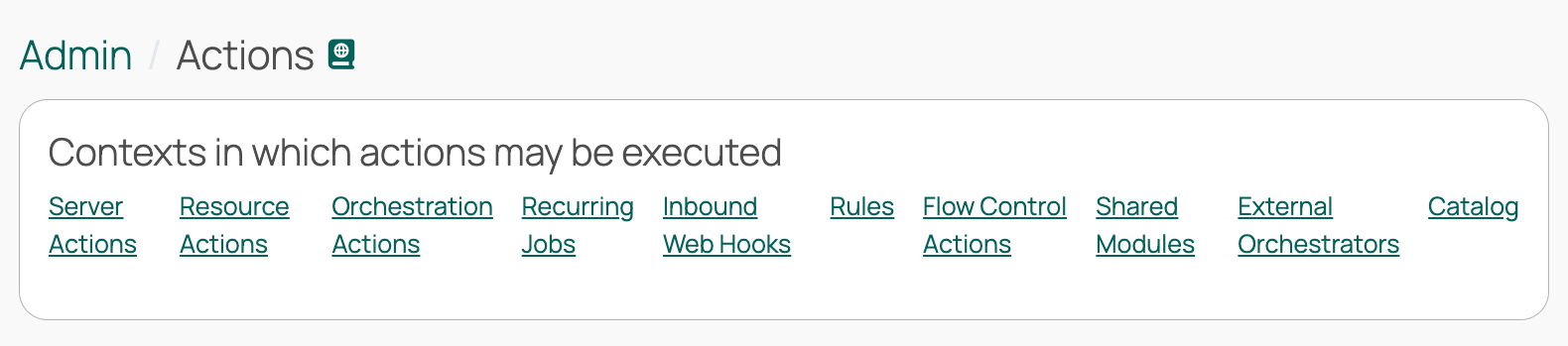 (opens full-size image in a new tab)
The CloudBolt Forge contains additional content that is not accessible from the CMP user interface. Forge actions are stored unzipped so you can browse their contents; zip the action’s folder before uploading it. If you have questions, contact Support or post to the community help forum.
The Cloud Management Platform (CMP) objects an action can reach while it runs
Every action has a type, which determines where and how its code runs
How Cloud Management Platform (CMP) discovers the values an action needs, and how to shape them
Rerun an action automatically when it fails
Move actions between instances, share them, and keep their secrets safe in transit
Copy a file from Cloud Management Platform (CMP) to one or more target servers as part of a job
Attach your own code to defined points in Cloud Management Platform (CMP) jobs, orders, and other processes
Add buttons to a deployed resource’s detail page so users can run actions against it
Add buttons to a server’s detail page so users can run actions against it
Let users run a server action or resource action at a chosen date and time instead of immediately
Send an email from Cloud Management Platform (CMP) when a job, order, or other process reaches a trigger point
Call an external web API from Cloud Management Platform (CMP) without writing any code
Extend the Cloud Management Platform (CMP) API with your own endpoints, backed by a plugin
Run a workflow that already exists in an external orchestrator as if it were a Cloud Management Platform (CMP) action