Server blueprints
2 minute read
This topic walks through a minimal configuration of one server tier on a blueprint’s Build tab and one group on its Groups tab. For the full set of build items and options, see Build configuration.
Before you start
You need permission to create blueprints, at least one OS Build, and one environment, which in turn requires a configured resource handler.
Create the blueprint
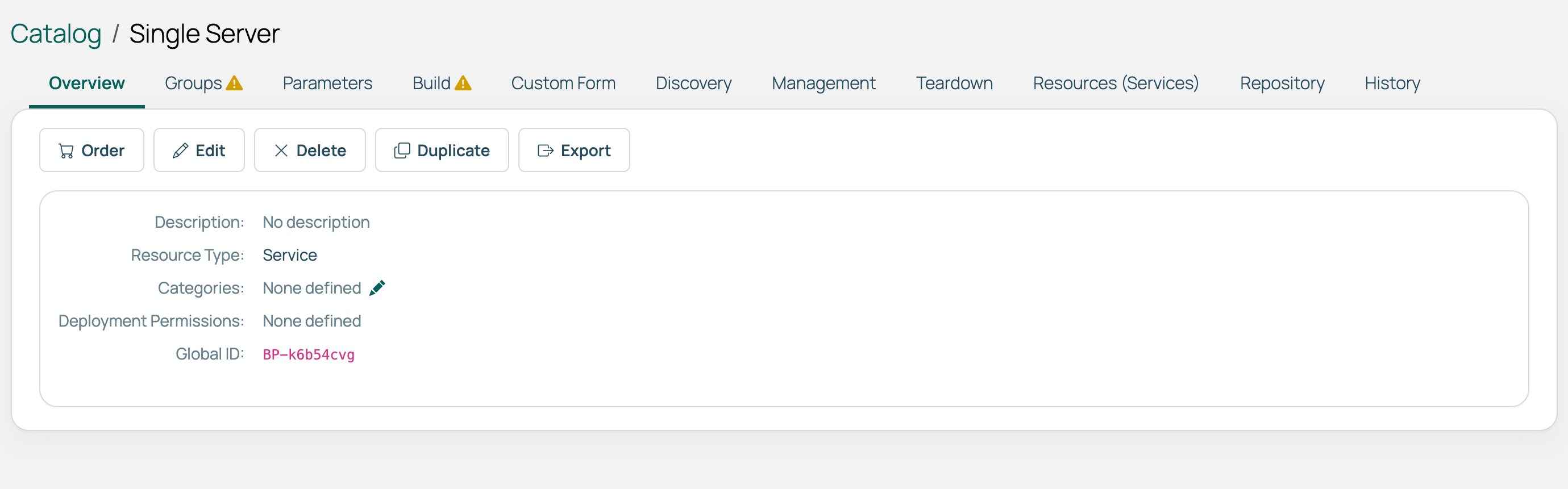
On the Catalog page, select Create Blueprint, enter a name, then select Save.
 (opens full-size image in a new tab)
Grant access
On the Groups tab, choose the groups that can deploy and manage the blueprint. See Blueprint ordering permissions to understand how they interact with group and environment access.
Add a server tier
The Build tab lists what the blueprint deploys, in order. Select Server Tier.
A server tier needs an OS Build, which decides what is installed, and an environment, which decides where it lands.
Expand the added server tier and select Configure an environment. Choose an environment and select Next. Decide, field by field, whether you set the value or the user does.
A useful starting point is to define everything except for anything users may need to choose, such as memory size.
Next steps
- Add a remote script as a second build item to run a script on the server as it is provisioned.
- Add blueprint actions to run logic at other points in the resource’s life, including during teardown.
- Add blueprint-level parameters to collect input on the order form and pass it to those actions.
Related
- Build configuration: Every build item type and its sequencing.
- XaaS blueprints: Deploying resources not natively supported.
- Blueprints: Reference for managing blueprints and the catalog.