UI extensions as code
2 minute read
Once a UI extension is linked to a repository, you can push it, preview the changes, and later refresh the extension from the repository. You can also add an extension package from one already in a repository. This requires a repository linked to Cloud Management Platform (CMP) and repository credentials on your profile so commits are attributed to you. See Integrate a remote source code repository.
Push and refresh a UI extension
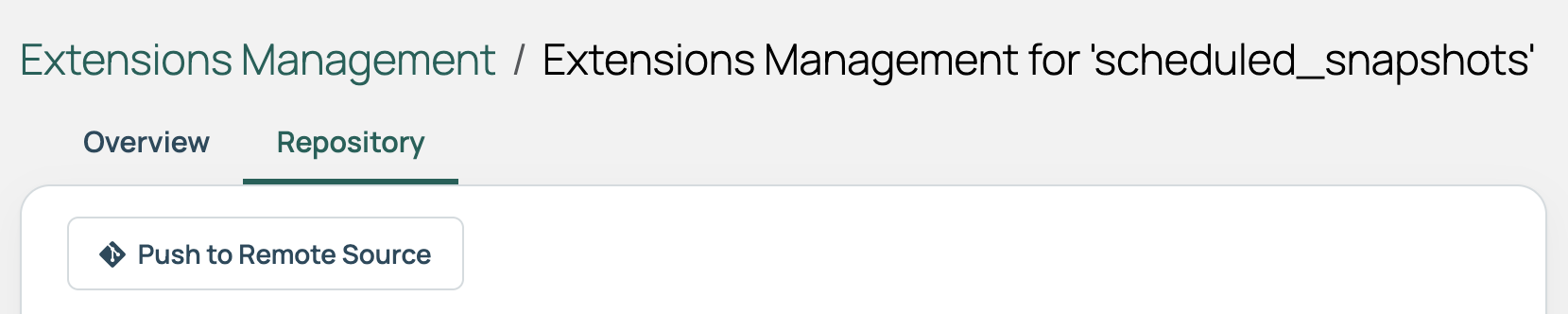
Go to Admin > Manage UI Extensions, open the extension, and select the Repository tab. Unlike other content types, this tab keeps the same name regardless of which provider the repository belongs to.
 (opens full-size image in a new tab)
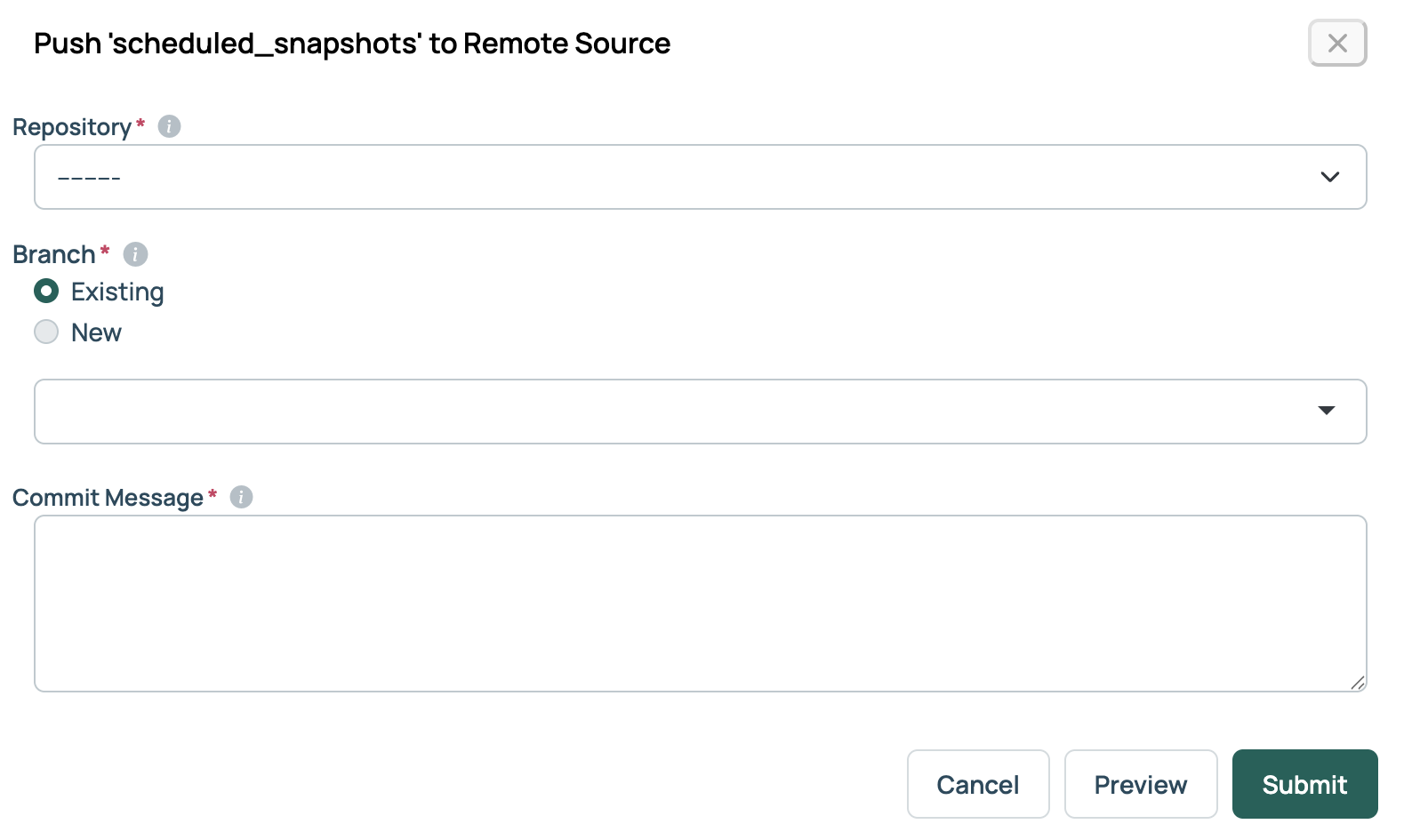
Push to Remote Source opens a form for a Repository, Branch, and Commit Message. If the extension has been pushed before, select Preview first to see what changed. After the push, the result includes a link to open a pull request.
 (opens full-size image in a new tab)
Refresh from Remote Source prompts for a Repository and Branch, then updates the extension in CMP based on the repository’s contents. It appears once the extension has been pushed or added from a repository, and the tab also shows the repository, the remote source URL, and the last refresh time.
An extension that came from a repository is read-only unless Remote Content Mode in Miscellaneous Settings allows editing. While it is read-only, Push to Remote Source is disabled.
Add an extension package from a repository
-
Go to Admin > Manage UI Extensions.
-
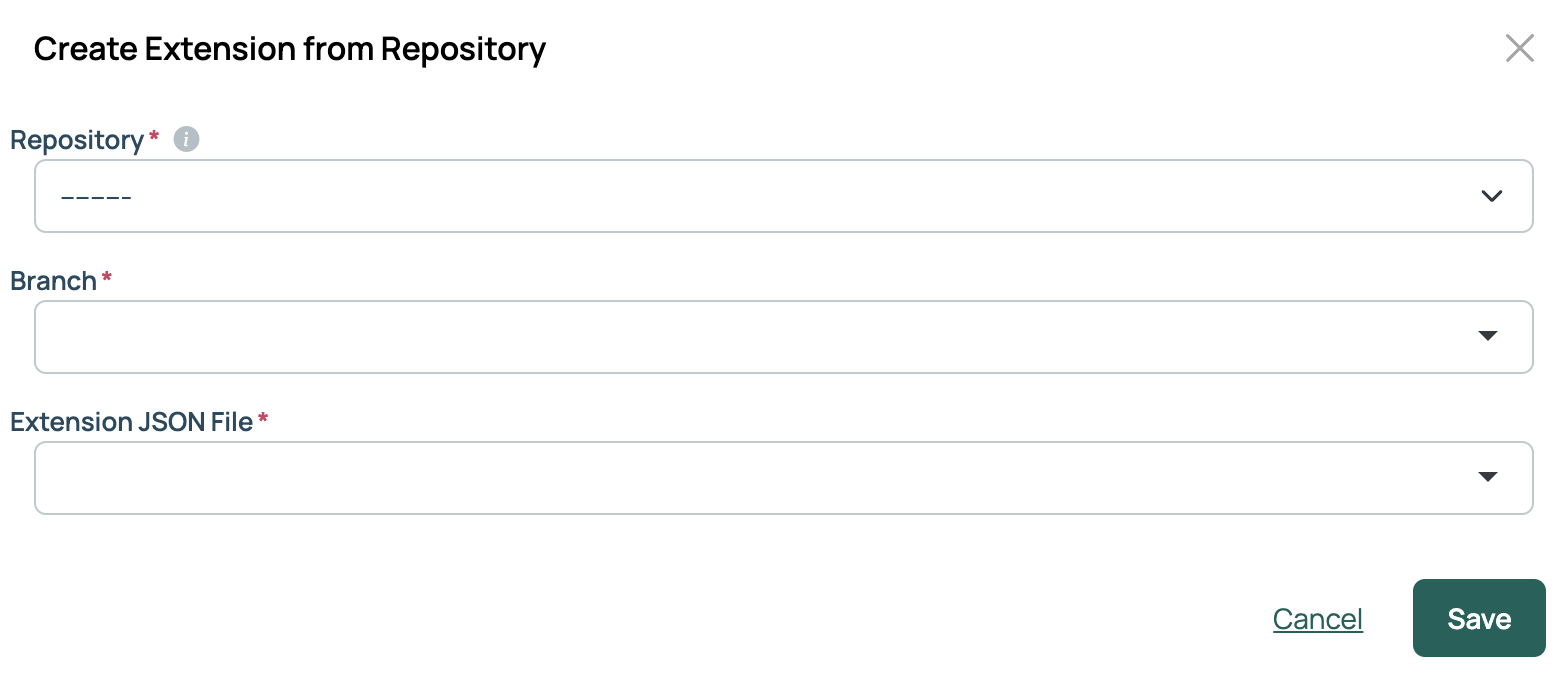
Select Add, then Add package from Repository.
-
Select a Repository, Branch, and Extension JSON File.
-
Select Save.
-
Select Sync Static Assets to copy the extension’s CSS, JavaScript, and images to the web server.
-
Restart the Apache HTTP Server on each web server, and the job engine on each job engine node. A new package is not loaded until Apache restarts.
Related
- Integrate a remote source code repository: Linking a repository and setting credentials for your commits.
- UI extensions: Building an extension and the parts of the interface it can extend.