SSO group mapping
2 minute read
Group mapping eliminates the need for a CMP administrator to manually configure roles and permissions after each SSO login.
Before you begin
Ensure that:
- Your SSO IdP is configured.
- CMP is connected to your SSO IdP.
- Groups and users are configured in your SSO IdP.
- You have a list of the SSO IdP group IDs.
Create a group mapping
Map a user group from your SSO IdP to CMP.
-
Log in to CMP as an administrator.
-
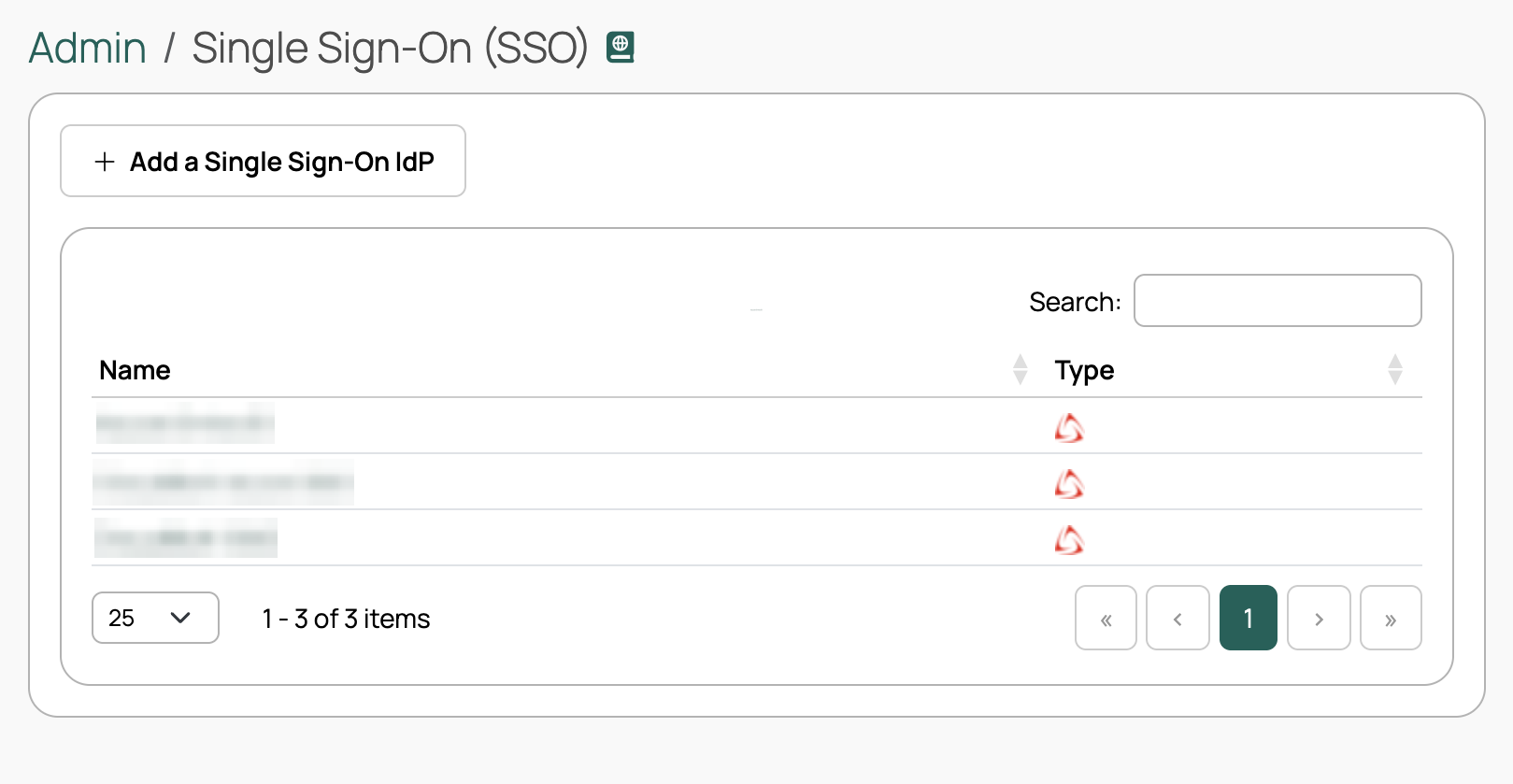
Go to Admin > Single Sign-On (SSO).
-
Select your SSO IdP.
-
Select the Mapping tab.
-
Select New SSO Mapping.
-
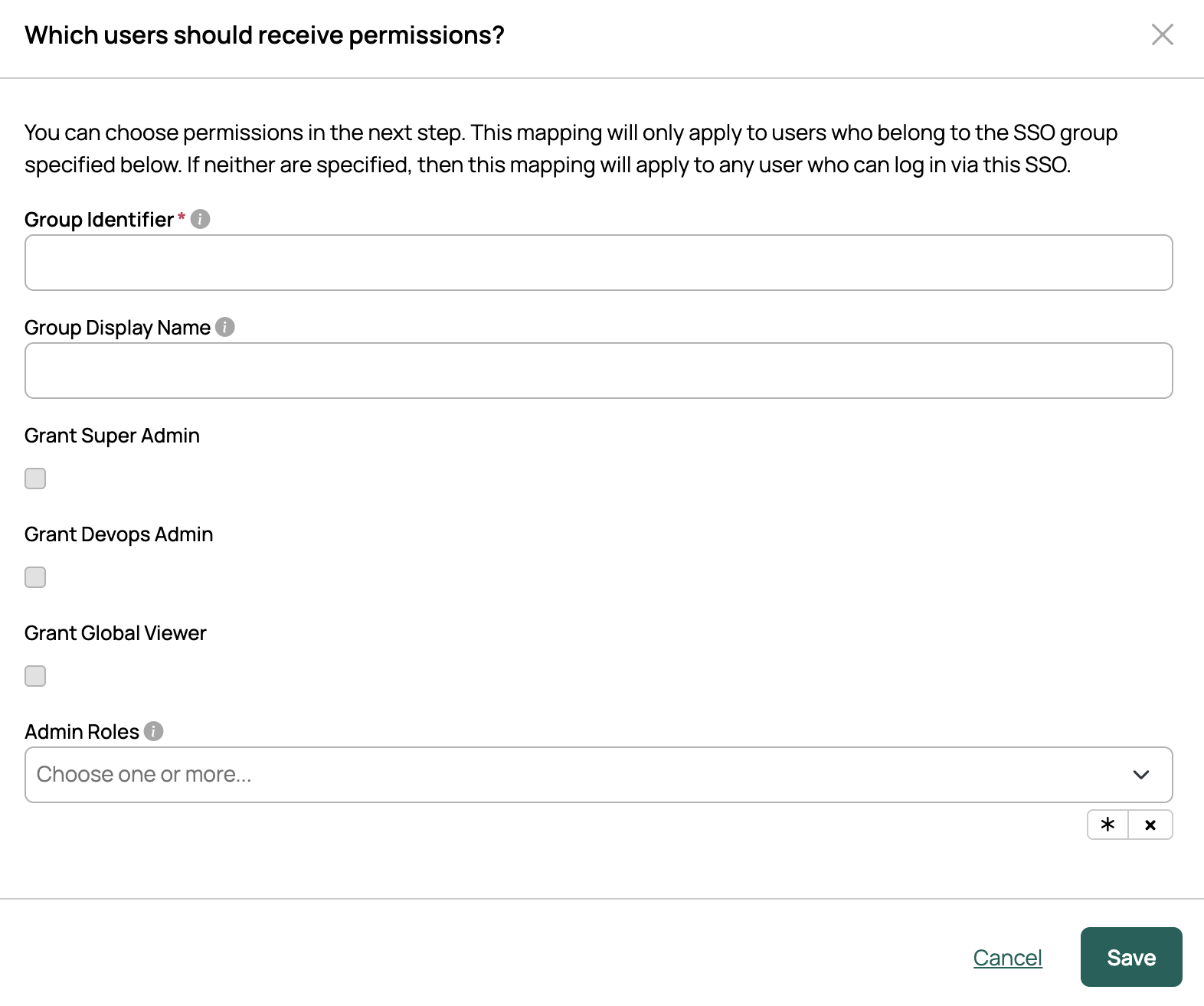
Provide the Group Identifier.
This must match the group ID from your SSO IdP.
-
Enter a Group Display Name.
-
Grant the global roles (Super Admin, Devops Admin, Global Viewer) as required.
-
Assign Admin Roles as required.
-
Select Save.
Assign CMP groups and roles
Link internal CMP groups and roles with an SSO group mapping.
-
Log in to CMP as an administrator.
-
Go to Admin > Single Sign-On (SSO).
-
Select your SSO IdP.
-
Select the Mapping tab.
-
In the row for a group mapping, select Add Group Roles.
 (opens full-size image in a new tab)
Mappings with the Super Admin role do not display the Add Group Roles option because Super Admin has full access.
-
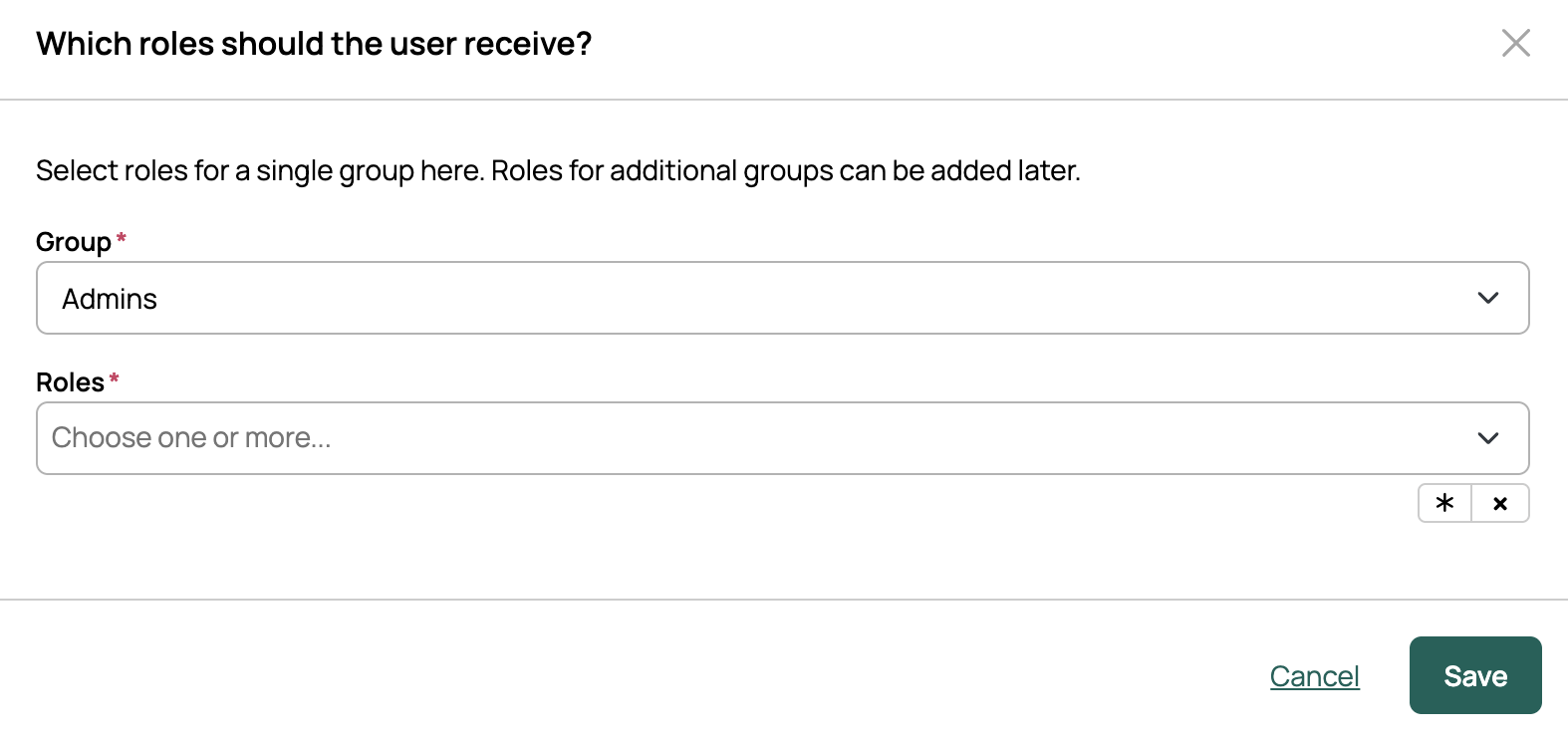
Select a CMP Group.
-
Select one or more Roles for the group.
-
Select Save.
Next steps
Now that you have SSO group mapping set up, configure the SSO User Update orchestration action to sync groups on SSO login.