API personal access token
2 minute read
This is useful when you implement SSO and your users cannot authenticate with a username and password.
Create a personal API access token
-
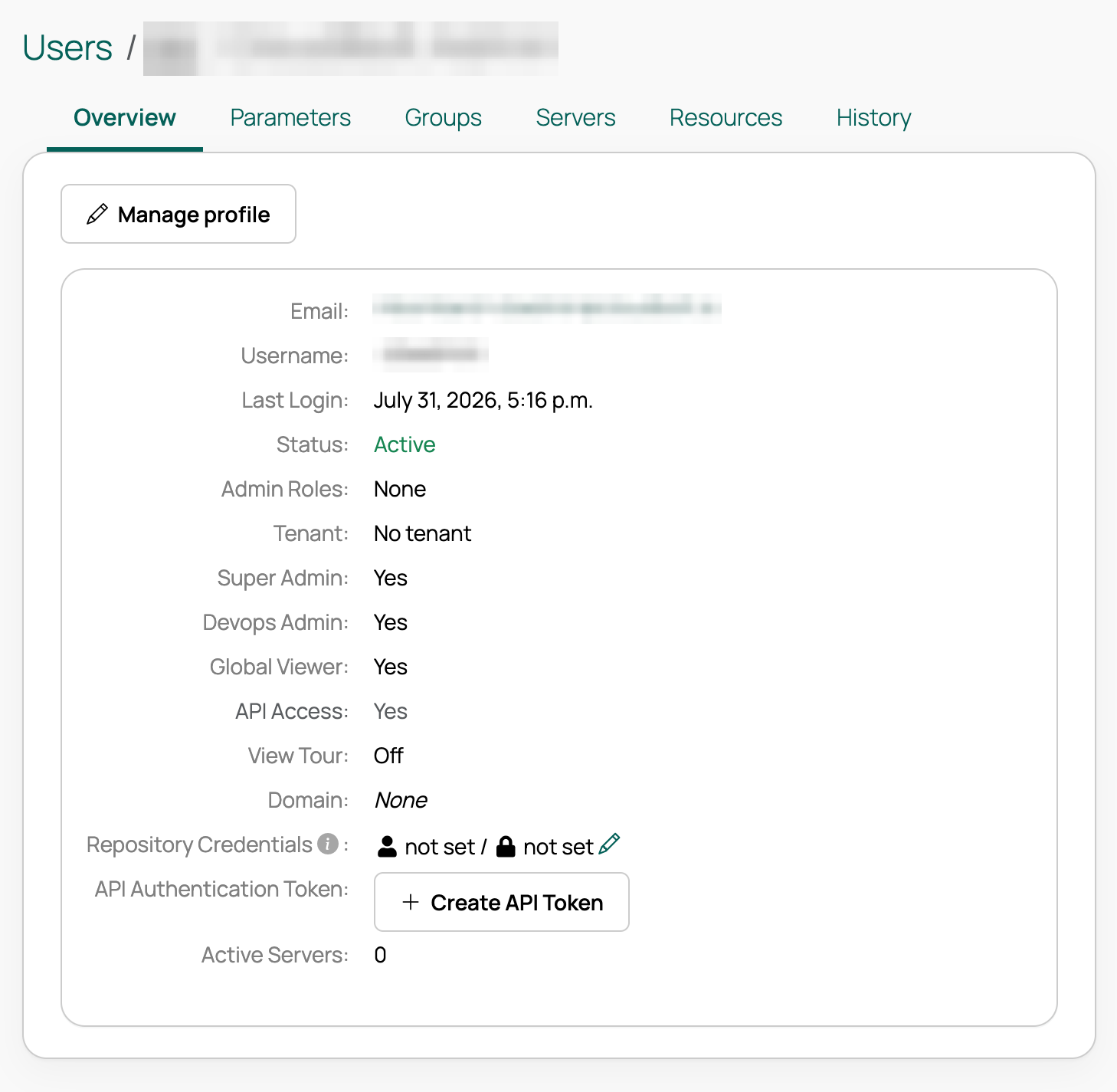
On your user profile page, select Create API Token.
-
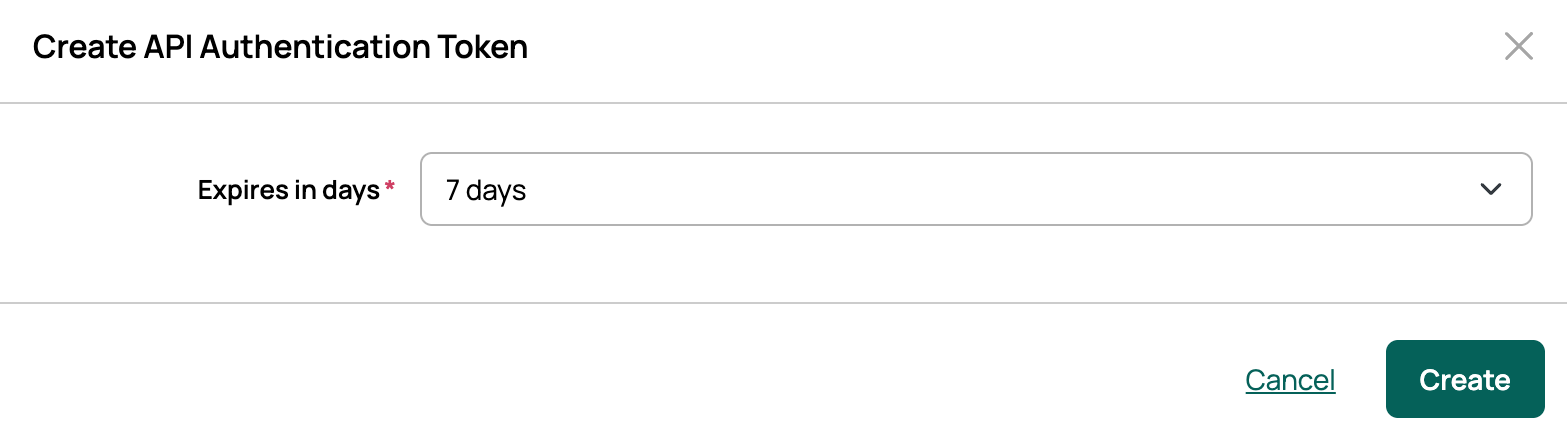
In the dialog, select the number of days for token expiration and select Create.
-
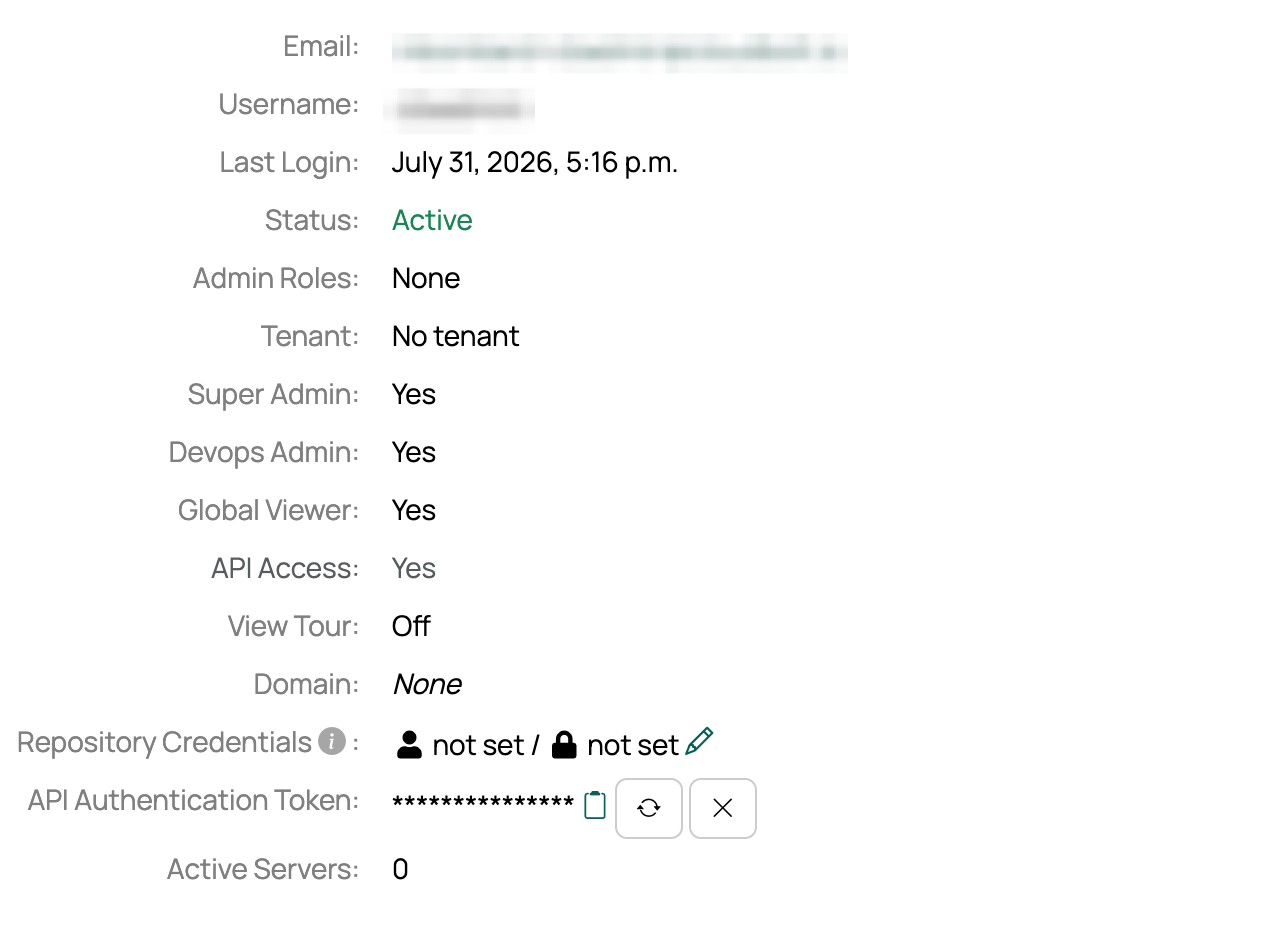
The API access token is created. Use the icons to the right of the masked token to copy, regenerate, or delete it.
To customize the expiration options for token authentication, override the default by defining CB_API_AUTH_TOKEN_EXPIRE_DAYS_CHOICES in customer_settings.py.
For example, to offer two options of 2 days and 7 days:
- Open the settings file for editing:
vi /var/opt/cloudbolt/proserv/customer_settings.py - Add:
CB_API_AUTH_TOKEN_EXPIRE_DAYS_CHOICES = [ (2, "2 days"), (7, "7 days") ] - Save the file, then restart the Apache server to apply the change:
systemctl restart httpd
The available token expiration options are now limited to 2 and 7 days.
Use a personal API token for API authentication
To use a personal API access token, include the Authorization header and the Token key with your request.
Python example:
import requests

url = "http://{yourcbhost}/api/v3/cmp/orders/"

payload = {}
headers = {
    "Authorization": "Token <your-api-token>"
}

response = requests.request("GET", url, headers=headers)

print(response.status_code)