Tracking VMware Aria Automation deployments
View and manage VMware Aria Automation deployments tracked by OneFuse
Track VMware Aria Automation Deployments in OneFuse, including the information of the Resource(s).
View VMware Aria deployments
- In OneFuse, select VMware Aria Automation under Modules, or select Modules > VMware Aria Automation from the left navigation menu.
- Scroll down to Deployments. See Managed object for more information.
VMware Aria Deployment details
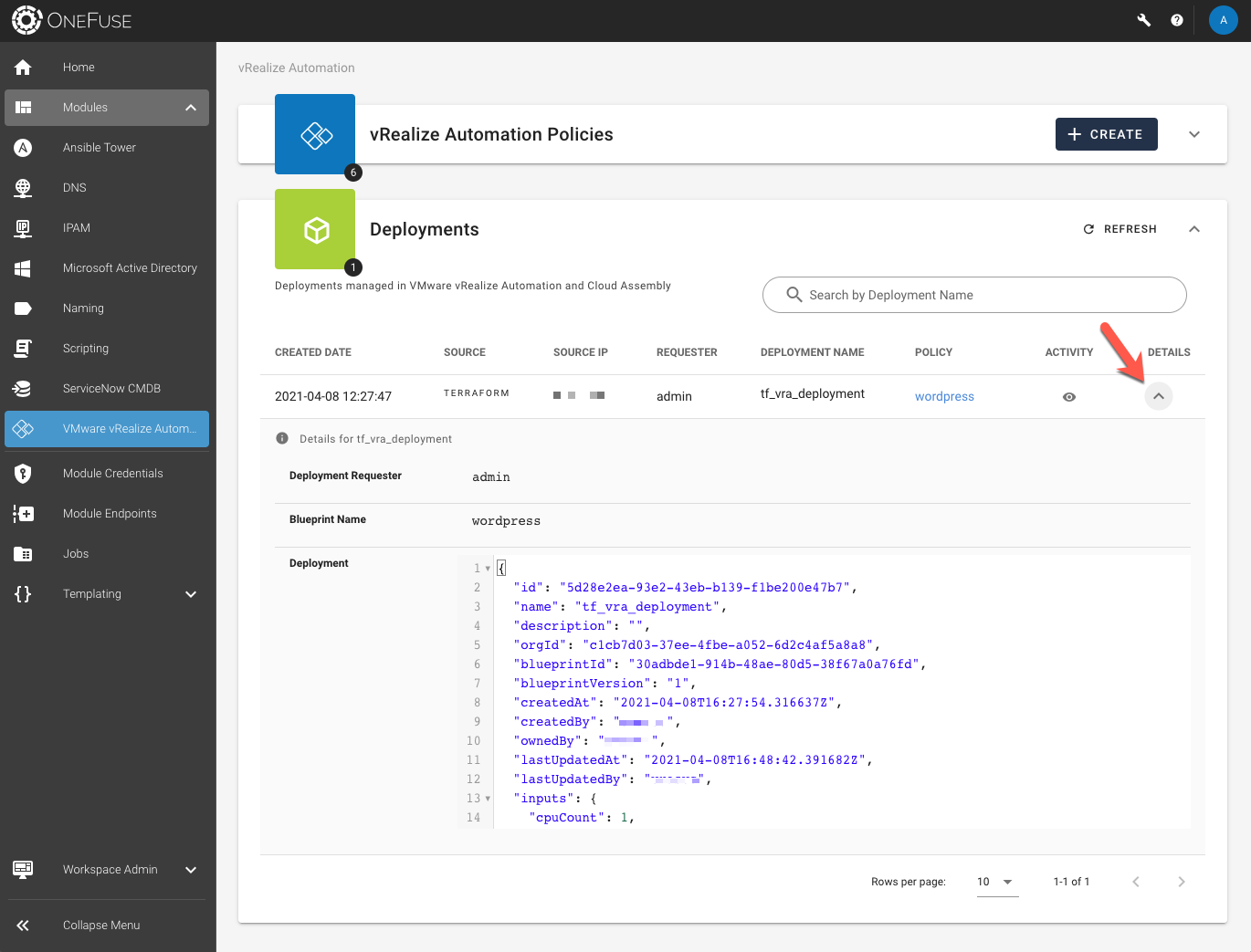
In the VMware Aria Deployments section, select the Details caret to view the Deployment response from VMware Aria Automation.
 (opens full-size image in a new tab)
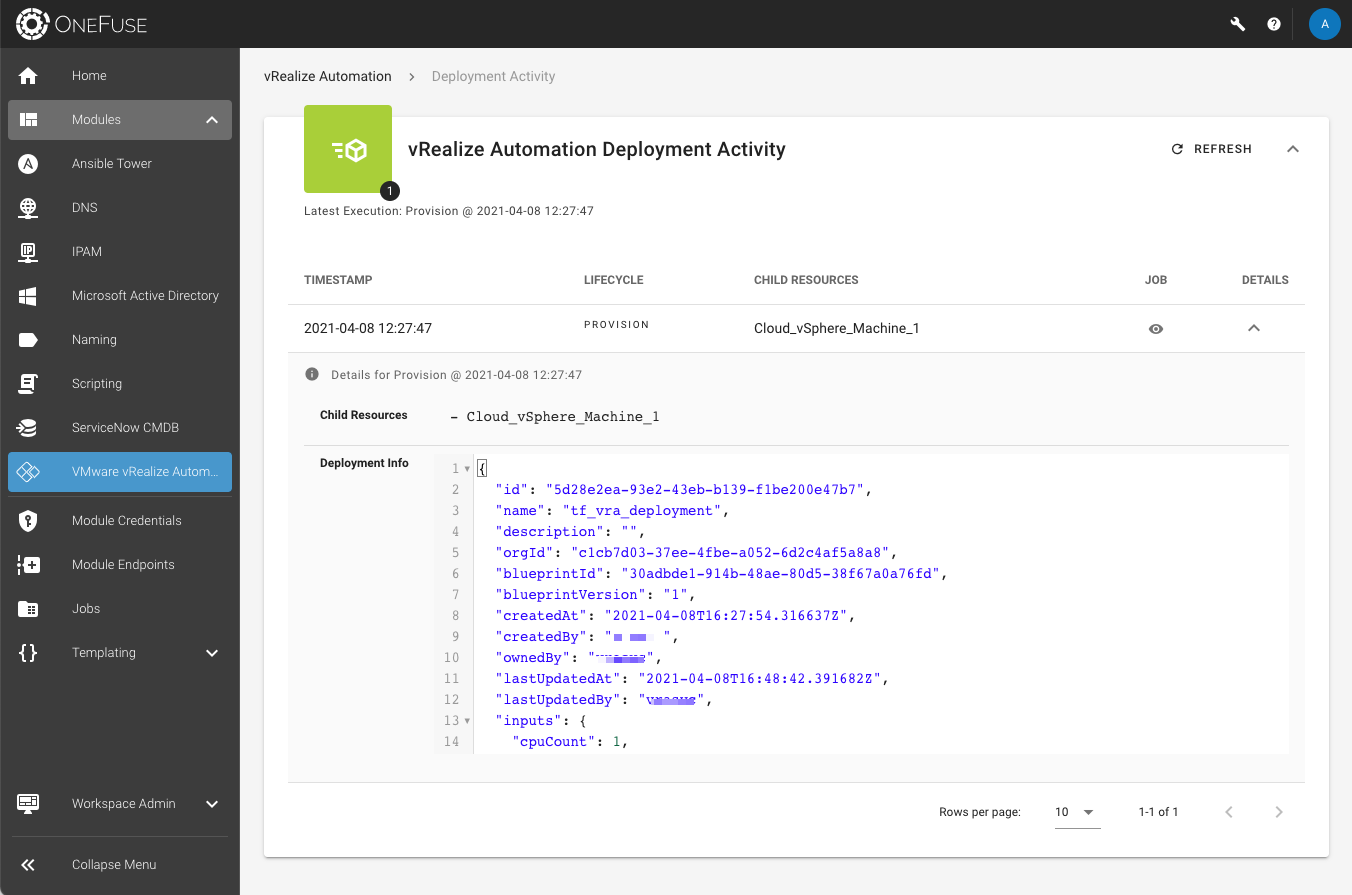
VMware Aria Deployment activity
In the VMware Aria Deployments section, select the Activity icon (eye icon) to be redirected to the Deployment Activity page that lists all VMware Aria Cloud Template resource(s) associated with this deployment.