Tracking ServiceNow deployments
Track ServiceNow Deployments in OneFuse, including the Configuration Item (CI) name and class name in ServiceNow.
View ServiceNow deployments
- In OneFuse, select ServiceNow CMDB under Modules, or select Modules > ServiceNow CMDB from the left navigation menu.
- Scroll down to Deployments. See Managed object for more information.
The OneFuse ServiceNow CMDB Deployments reflect the history of CI modifications.
If an existing CI is renamed, the Deployment view will show the previous runs as the original CI name, since the result is captured at a point in time. CIs may be renamed or consolidated in future runs by the ServiceNow Reconciliation Engine.
ServiceNow deployment details
In the ServiceNow Deployments section, select the Details caret to view all ServiceNow CIs associated with this deployment.
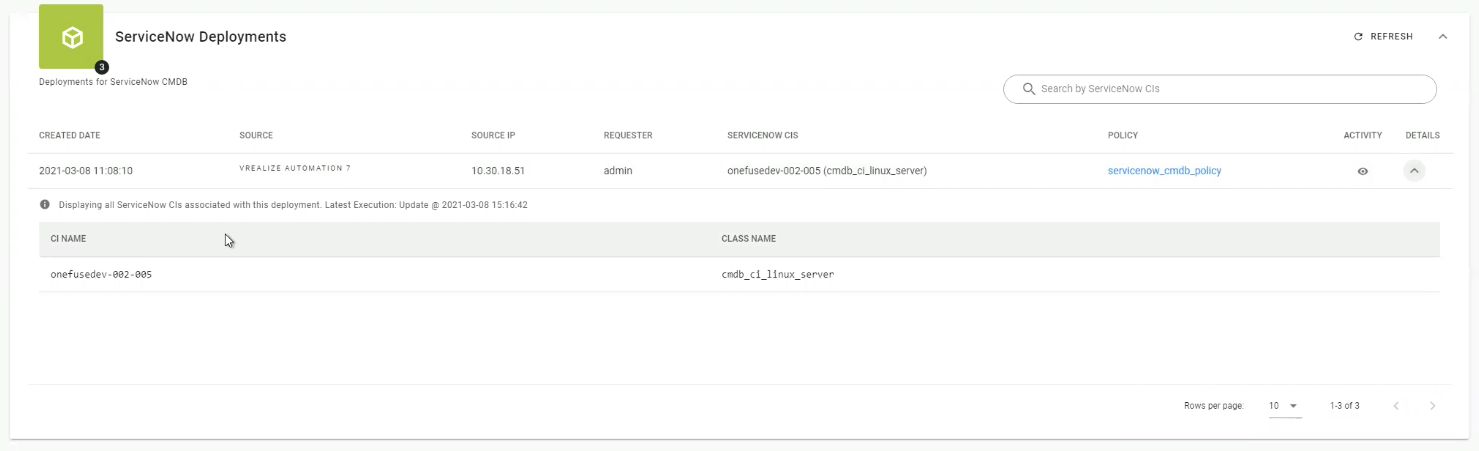 (opens full-size image in a new tab)
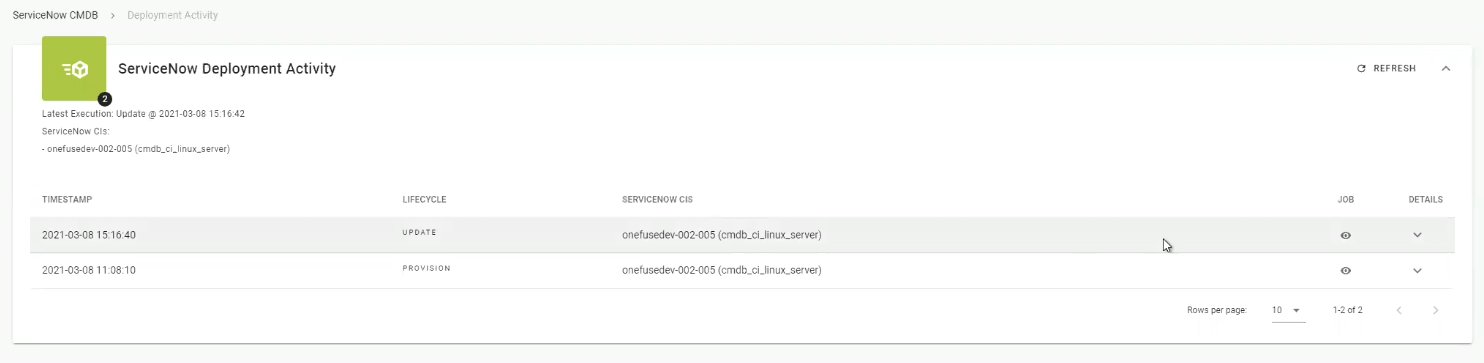
ServiceNow deployment activity
In the ServiceNow Deployments section, select the Activity caret to view the ServiceNow CIs, each lifecycle, and the timestamp associated with the deployment.