# Export and import actions
> Move actions between instances, share them, and keep their secrets safe in transit
---
Site [llms.txt](/llms.txt)
---
Actions can be exported as files so they can be reused across Cloud Management Platform (CMP) instances or shared in the [CloudBolt Forge](https://github.com/CloudBoltSoftware/cloudbolt-forge), a repository of sample CMP resources. An exported action is a zip file containing JSON-formatted metadata about the action, along with any scripts it uses.
## Exporting
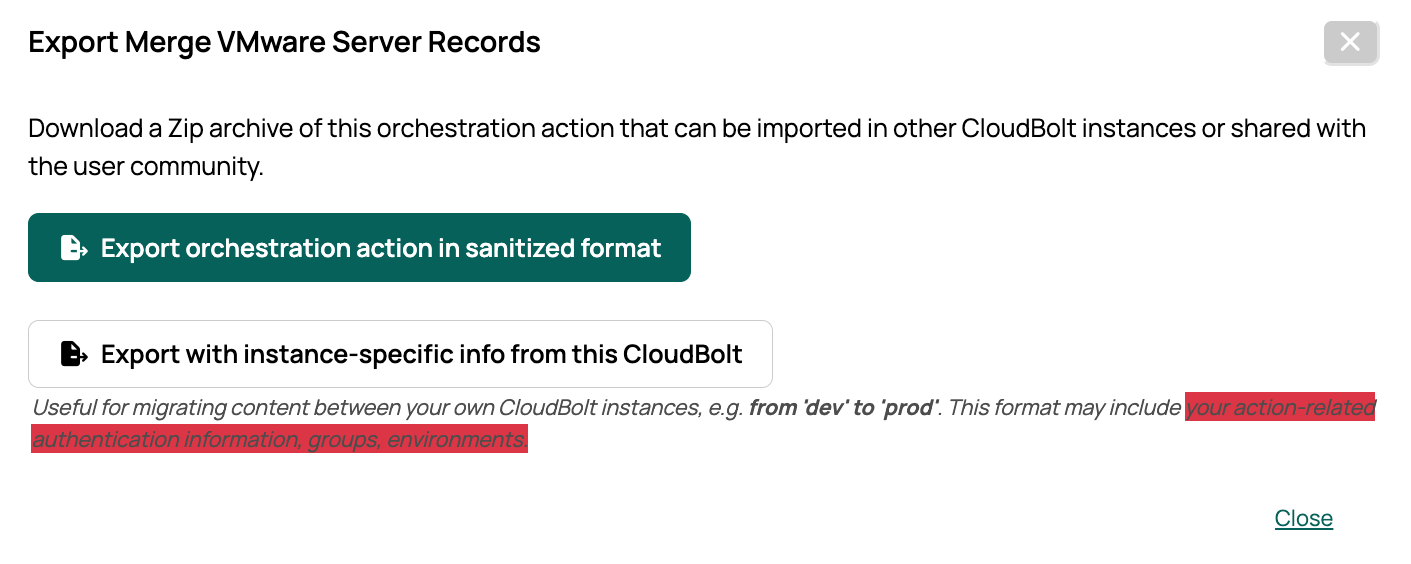
When exporting, choose between a sanitized and an instance-specific version of the action. The formats are the same, but the sanitized version omits potentially sensitive information such as script credentials, environments, and groups. Sanitized versions are suitable for sharing on the CloudBolt Forge or for moving actions between instances that do not have the same groups and environments.
## Importing
You can import actions anywhere you can create them. An action can only be imported in the same context it was exported from. For example, to import an action as a server action, it must have been exported from the Server Actions page.
Actions in the CloudBolt Forge are stored unzipped so you can browse their contents. To import one, zip the folder containing the action's files before uploading it.
Actions can also be imported using the CMP API. The sample API scripts included with CMP show how.
An instance-specific export generally records related objects, such as constraints, by name. On import, CMP looks for an object with the same name and applies it. This is imperfect: two groups can share a name, and a group with a matching name on the destination instance may have different quotas or permissions. Check your results after importing.
## Handling secrets
When you export an action, any secrets it holds, meaning values for action inputs of type password or encrypted text, can be encrypted with a password you choose. On import, a prompt asks for that password and uses it to decrypt the secrets. This keeps secrets protected when exported objects move between instances.
If you do not supply a password at the prompt, a default key is used instead. In that case, the exported action's secrets can only be decrypted when the action is imported back into the same instance it came from.
When you export or import through the API, include a `password` in the request to use a password of your own. Without one, CMP uses the default key.
## Related
- [Content Library](/docs/cmp/use/catalog/content-library/)
- [Orchestration actions](/docs/cmp/use/orchestration/actions/orchestration-actions/)